Thessaloniki: Κάμερα Θεσσαλονίκης
 Thessaloniki, Hy Lạp
Real-Time Environment
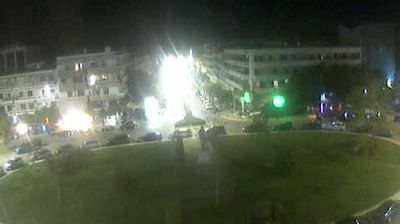
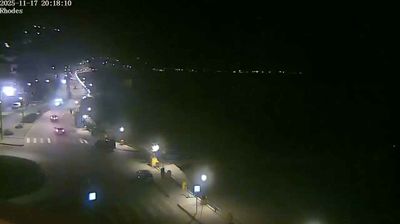
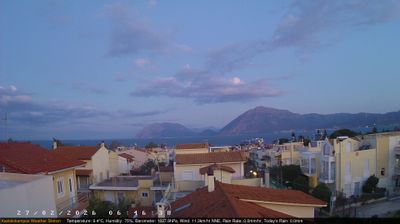
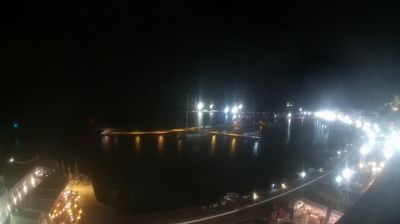
Welcome to the live streaming webcam for Thessaloniki: Κάμερα Θεσσαλονίκης, perfectly situated in the vibrant region of Thessaloniki, Hy Lạp. Watching this live camera allows you to instantly experience the local atmosphere and monitor current climate conditions.

About Thessaloniki
Thessaloniki, Thessalonica, hay Salonica là thành phố lớn thứ hai ở Hy Lạp và là thủ phủ của vùng Macedonia. Tên trang trọng của nó là Συμпρωτεύουσα (Symprotévousa), gợi nhớ tới thời kỳ lịch sử khi nó là thành phố Συμβασιλεύουσα (Symvasilévousa) của Đế quốc Byzantine. Theo thống kê dân số năm 2001,thành phố tự trị Thessaloniki có dân số 363,987, vùng đô thị là 800,764 và khu vực đô thị bao trùm (LUZ) của Thessaloniki có khoảng 995,766 dân cư sinh sống (2004).
📖 Read more on Wikipedia📍 Location Facts
-
Country
 Hy Lạp
- Region Macedonia and Thrace
- City Thessaloniki
- Coordinates 40.6321°N, 22.9511°E
Have you been to Thessaloniki?
Help the community! Share your experience, tell us about the weather, or upload your own photos from this exact location.