Best Rừng in Nhật Bản
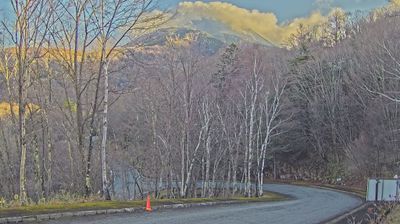
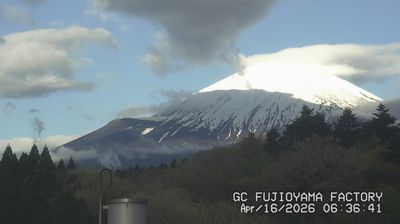
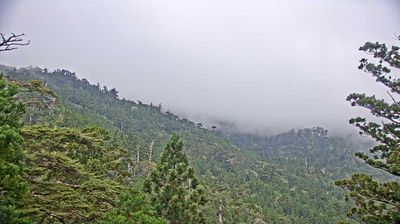
Watch live streaming rừng cameras across Nhật Bản. Enjoy the best real-time views available online.
Latest Cameras
24 streams found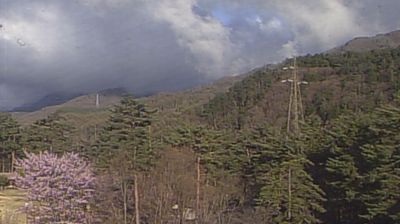




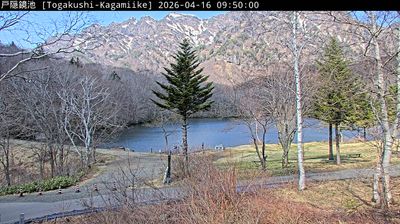

Discover Rừng in Nhật Bản
Whether you're checking conditions for a weekend getaway or just enjoying the view, our collection of rừng webcams in Nhật Bản offers the best real-time experience available online. Stay updated with live weather changes and crowd activity.

About Nhật Bản
Nhật Bản , tên đầy đủ là Nhật Bản Quốc , là một quốc gia và đảo quốc ở khu vực Đông Á, nằm bên rìa phía đông của biển Nhật Bản và biển Hoa Đông, phía tây giáp với bán đảo Triều Tiên qua biển Nhật Bản, phía bắc giáp với vùng Viễn Đông của Nga qua biển Okhotsk và phía nam giáp với đảo Đài Loan qua biển Hoa Đông. Nhật Bản là một phần của vành đai lửa và trải dài trên một quần đảo bao gồm 6852 đảo nhỏ; trong đó 5 hòn đảo chính bao gồm Hokkaido, Honshu, Shikoku, Kyushu, và Okinawa. Nhật Bản hiện nay không có thủ đô chính thức về mặt pháp lý mặc dù Tokyo; đô thị lớn nhất, thường được coi như là thủ đô cũng như là trung tâm văn hoá, chính trị và kinh tế. Các thành phố lớn khác bao gồm có Yokohama, Osaka, Nagoya, Sapporo, Fukuoka, Kobe và Kyoto.
📖 Read more on Wikipedia