 Live Webcams in Nesebar
Explore live streaming views from Nesebar, . Check current weather conditions, traffic, and beautiful local spots.
Latest Cameras
24 streams found

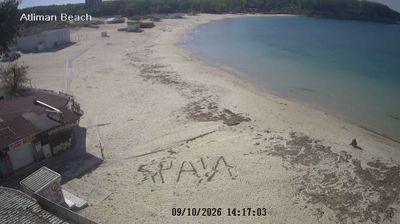
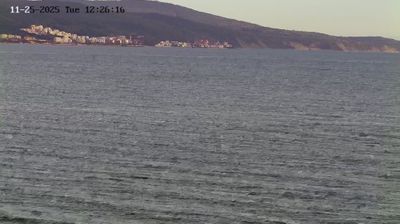
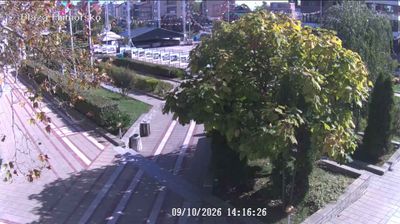

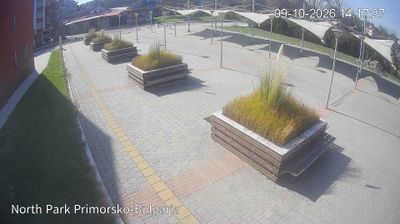
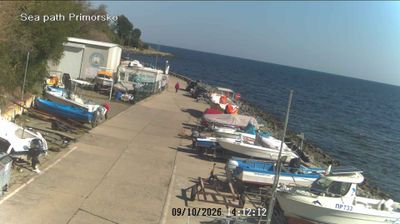
Virtual Travel to Nesebar
Whether you are planning a real-world visit or just digital globe-trotting, the live webcams in Nesebar offer an unfiltered glimpse into daily life. Watch the sunrise, check the local traffic before your commute, or simply enjoy the urban and natural landscapes that make this location unique. Bookmark this page to easily return and check the live weather conditions anytime.

About Nesebar
Nesebar là một thành phố cổ và là một trong những khu nghỉ mát lớn bên bờ Biển Đen của Bulgaria nằm ở tỉnh Burgas, đông Bulgaria. Đây đồng thời là trung tâm hành chính của huyện Nesebar. Thường được gọi là "Viên ngọc của Biển Đen", Nesebar là một thành phố bảo tàng phong phú được hình thành qua lịch sử hơn ba thiên niên kỷ luôn thay đổi. Đây là một thành phố nhỏ gồm hai phần được ngăn cách bởi một eo đất nhân tạo dài và hẹp với khu vực định cư cổ trên bán đảo và khu vực hiện đại hơn ở trên đất liền. Phần thành phố cổ mang bằng chứng về sự chiếm đóng của nhiều nền văn minh khác nhau trong suốt quá trình tồn tại của nó.
📖 Read more on Wikipedia