Best Bãi Biển in Ý
Watch live streaming bãi biển cameras across Ý. Enjoy the best real-time views available online.
Latest Cameras
24 streams found










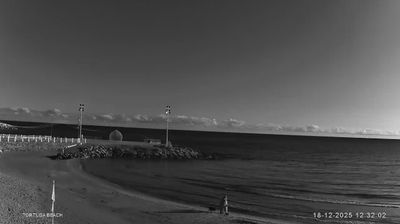
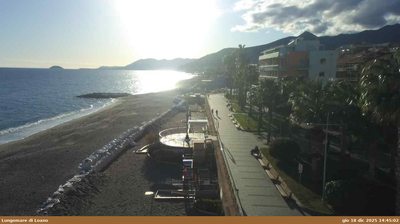


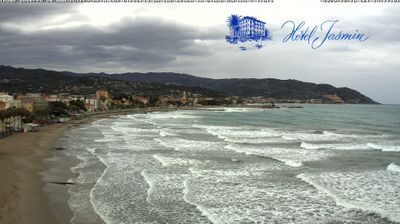

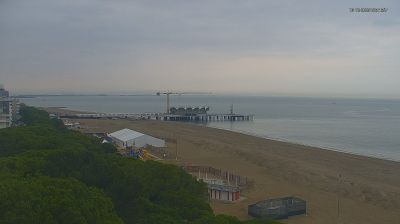

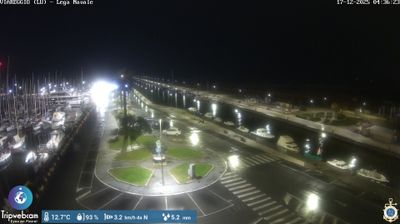
Discover Bãi Biển in Ý
Whether you're checking conditions for a weekend getaway or just enjoying the view, our collection of bãi biển webcams in Ý offers the best real-time experience available online. Stay updated with live weather changes and crowd activity.

About Ý
Ý hay Italia, tên chính thức là Cộng hòa Ý hay Cộng hòa Italia là một quốc gia tại châu Âu, thường được xếp vào khối Nam Âu hoặc Tây Âu. Lãnh thổ Ý gồm bán đảo Ý vươn ra phần trung tâm của Địa Trung Hải, hai đảo lớn nhất là Sicilia và Sardegna. Dãy Anpơ giới hạn phần lãnh thổ phía Bắc của Ý, tạo thành biên giới trên bộ với Pháp, Thụy Sĩ, Áo, Slovenia, trong khi San Marino và Thành Vatican nằm lọt trong nước cộng hòa. Ý có diện tích là 301.339 km², và phần lớn có khí hậu ôn đới theo mùa và Địa Trung Hải. Do hình dạng lãnh thổ, Ý thường được ví như lo Stivale. Dân số Ý đạt 60.184.639 người (2021), là quốc gia đông dân thứ ba trong Liên minh châu Âu, đông dân thứ 5 châu Âu, thứ 25 thế giới. Thủ đô của Ý là Roma, các vùng đô thị lớn khác là Milano, Napoli, Torino, Palermo, Bologna, Firenze, Genova, và Venezia.
📖 Read more on Wikipedia